VALORANT Mobile China, officially titled 无畏契约:源能行动, is the authorized mobile adaptation of Riot Games’ tactical shooter for the Chinese market.
Table of Contents
TogglePlayers outside mainland China may want to access this version to play with friends in China, experience the Chinese server environment, or explore content available in the regional release. However, downloading the game is only one part of the process. You may also need a compatible Chinese account, the correct regional app version, and a stable connection to servers located in China.
This guide explains the legitimate steps for downloading VALORANT Mobile China on Android and iOS, preparing a compatible account, and troubleshooting common connection problems.
Affiliate disclosure: This article contains affiliate links. If you purchase a subscription through one of these links, we may earn a commission at no additional cost to you. Network results vary by country, internet provider, server, and local connection quality.
Before You Begin
Prepare the following before downloading the game:
- A compatible Android device, iPhone, or iPad
- Sufficient free storage space
- A stable internet connection
- A QQ or WeChat account, depending on the login methods currently offered
- Access to the official Chinese version of the game
- The ability to complete any account or identity verification required by the publisher
The Chinese release is designed for mainland China. Players connecting from another country may encounter regional availability restrictions, Chinese-language menus, account verification requirements, and higher latency due to physical distance.
Registration and access policies can change. Always follow the current instructions shown by the official game client and account provider.
What Is the Chinese Version Called?
The official Chinese name is 无畏契约:源能行动. The name may appear as VALORANT Mobile on English-language pages, but searching with the Chinese title usually produces more accurate results in Chinese app stores.
Before installing anything, verify the full application name, listed publisher or developer, app icon, store information, download source, and requested permissions.
Avoid unofficial modified APK files, shared accounts, and websites that promise to bypass registration or identity checks. These methods can create security risks and may violate the game’s terms.
Step 1: Create or Prepare a QQ or WeChat Account
Chinese Tencent games commonly support login through QQ, WeChat, or both. The exact options available can depend on the current game version and platform.
If you already have an account, make sure you can sign in and receive security notifications. If you need a new account:
- Download QQ or WeChat from an official app store.
- Select the account registration option.
- Enter your real mobile number and country code.
- Complete the SMS and security verification process.
- Add recovery information if available.
- Test the account before using it to log in to the game.
Foreign phone numbers may be accepted in some cases, but availability varies by country, number, device, and security system. Do not buy a pre-registered account because the original owner may recover it later.
Step 2: Complete Required Verification
A QQ or WeChat account does not necessarily guarantee immediate access. Chinese online games may require additional real-name or identity verification.
Foreign players should use only verification methods officially provided in the application. The system may request a legal name, valid identity document, passport or another supported document, facial verification, or confirmation through QQ or WeChat.
Not every foreign identity document is guaranteed to be accepted. Do not use another person’s identity, purchase verification information, or attempt to bypass the system. If your document type is unsupported, contact official game support.
Step 3: Download VALORANT Mobile China on Android
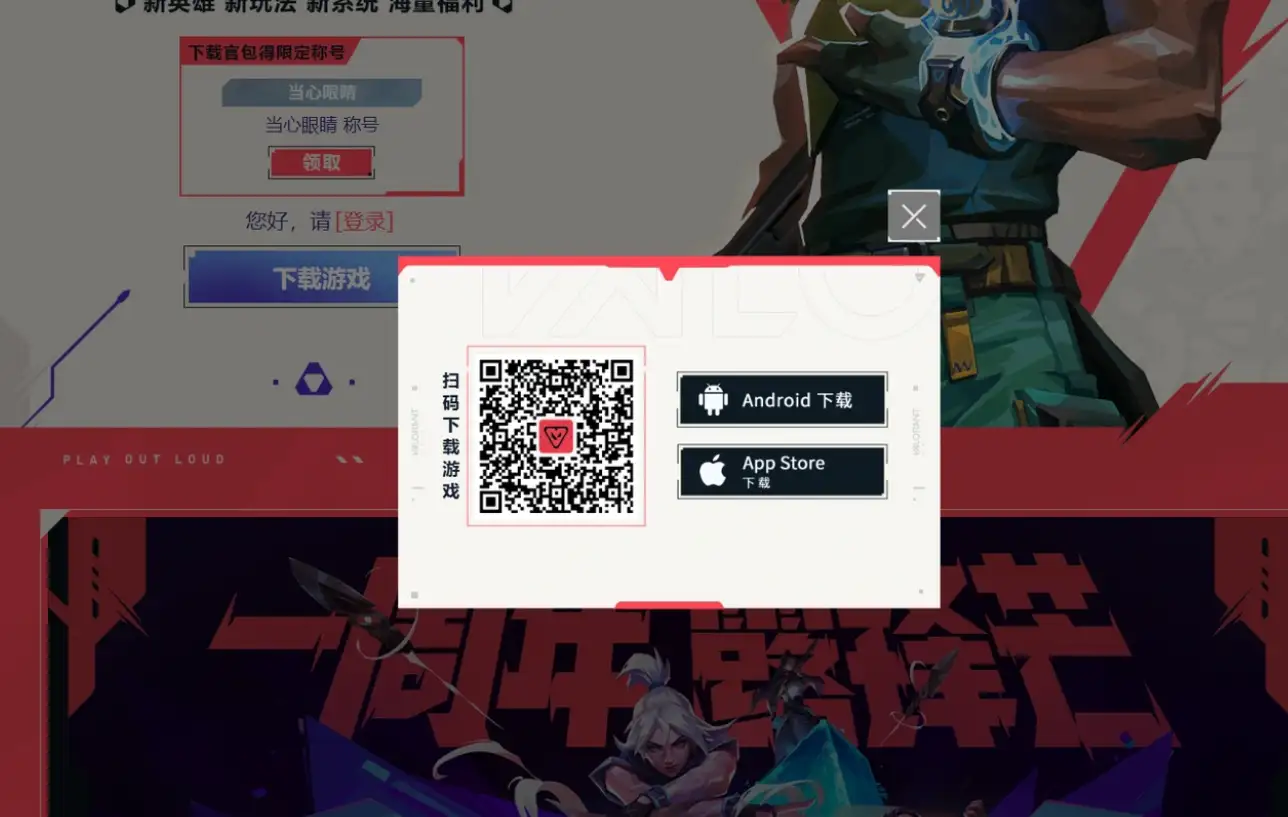
Android availability differs between device brands and countries. Use an official game page or a reputable Chinese application store carrying the official release.
Method 1: Official game or publisher page
- Open the official Chinese game page.
- Find the Android download option.
- Verify that the page belongs to the game or its authorized publisher.
- Download and install the official package.
- Remove temporary installation permission afterward.
- Open the game and download the remaining resources.
If installation fails, check storage space, Android compatibility, download integrity, and whether an older version is already installed.
Method 2: Reputable Chinese app platform
Search for 无畏契约:源能行动 and carefully confirm the application information before installing. A similar name or copied icon does not prove authenticity.
Step 4: Download the Game on iPhone or iPad
The Chinese version may not appear in an App Store account registered outside mainland China. If unavailable in your storefront, you may need legitimate access to the mainland China App Store.
- Open the App Store.
- Check the country or region associated with your Apple Account.
- Search for 无畏契约:源能行动.
- Verify the application and publisher information.
- Download and install the game.
- Open it and download the required resources.
Changing an Apple Account region may require valid billing information, resolution of subscriptions, and use of any remaining balance. Avoid purchasing an unknown Chinese Apple Account because the seller may retain control.
Step 5: Log In and Play with Friends in China
Open the game, select a supported QQ or WeChat login method, authorize the game, complete any additional verification, and download the remaining resources. Enter the tutorial or training area before joining a live match.
Once both players use the same Chinese game environment, add each other using an in-game name, numeric player ID, friend code, room code, or QR invitation. If you cannot find your friend, check spelling, region, game version, and any additional ID number.
The interface may be primarily in Simplified Chinese. Translation tools can help with general menus, but never upload passwords, identity documents, or QR login codes to an unknown website.
Why Is VALORANT Mobile China Laggy from Another Country?
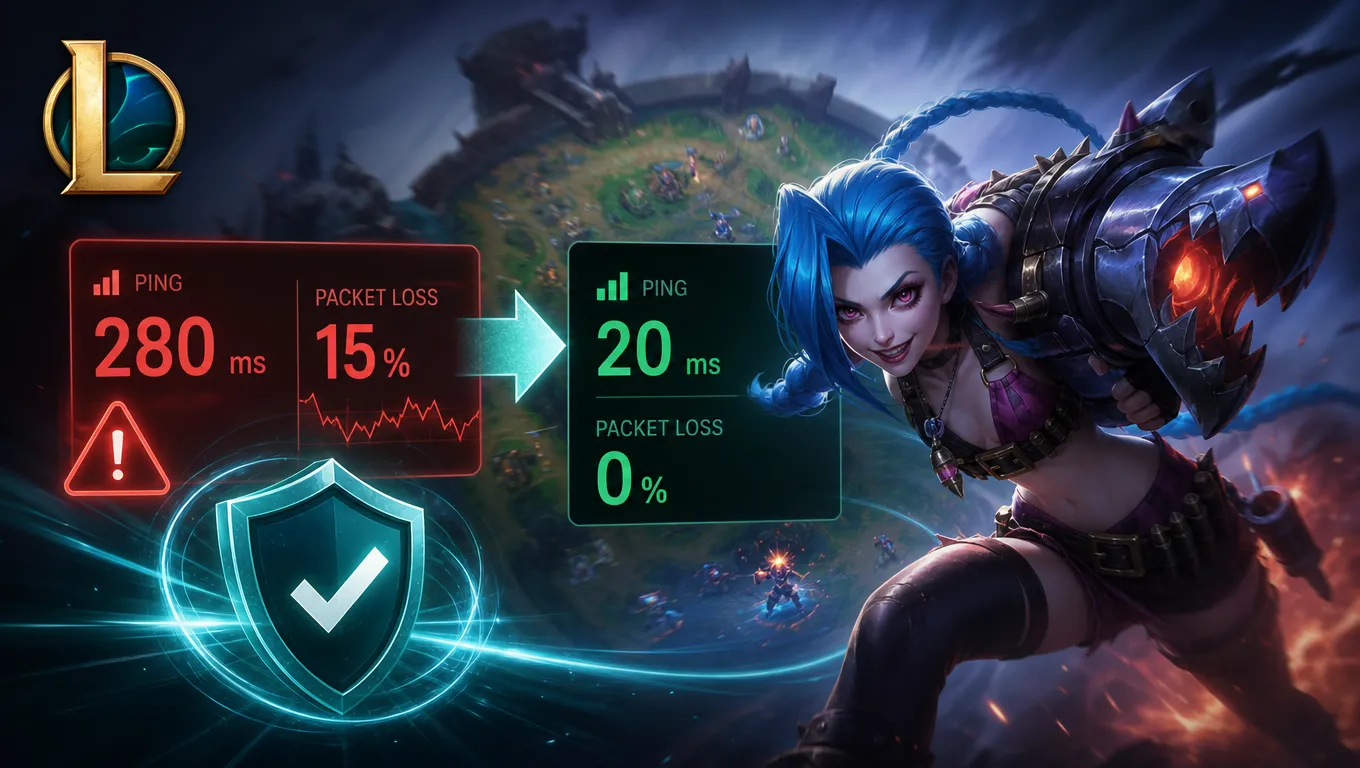
When connecting from Europe, North America, Southeast Asia, or another region, game data must travel to servers serving mainland China. The longer route may cause higher average ping, latency spikes, packet loss, delayed shots, rubber-banding, slow login, and disconnections.
A fast speed test does not guarantee a stable gaming route. Speed tests normally use a nearby server, while the game may use a distant destination and a different network path.
Check your local connection first
- Stop downloads, cloud backups, and video streaming.
- Move closer to your Wi-Fi router.
- Compare Wi-Fi with mobile data.
- Restart the phone and router.
- Close unnecessary background applications.
- Test at another time of day.
- Confirm that the game servers are not under maintenance.
When GearUP Mobile May Help
GearUP Mobile is designed to provide game-specific connection routing. It may help when the default route between your country and the Chinese game server is congested, unstable, or unnecessarily indirect.
It does not create a Chinese game account, complete identity verification, or bypass publisher policies. Its role is limited to optimizing the network path after you have legitimately obtained access.
Possible use cases include playing with friends in mainland China, connecting to the Chinese release from another country, reducing instability on a poor international route, and testing an alternative route when the default connection experiences packet loss.
Results depend on your physical location, ISP, carrier, local network, and server conditions. No routing service can guarantee a specific ping.
How to Use and Test GearUP Mobile
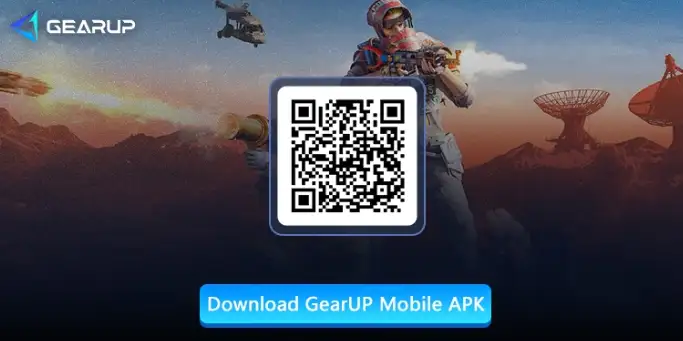
- Open the GearUP page using the button above.
- Download the compatible version.
- Install and open GearUP Mobile.
- Search for VALORANT Mobile China or 无畏契约:源能行动.
- Select the Chinese version and an appropriate route.
- Start optimization and launch the game.
- Test in training mode before a competitive match.
Compare the same phone, network, server, approximate time, and game mode. Record average ping, highest ping, major spikes, packet loss, disconnections, and overall stability. Continue only if repeated tests show meaningful improvement.
| Measurement | Default connection | GearUP route |
|---|---|---|
| Average ping | Record result | Record result |
| Highest ping | Record result | Record result |
| Packet loss | Yes/No | Yes/No |
| Stability | Poor/Fair/Good | Poor/Fair/Good |
What GearUP Mobile Cannot Fix
A routing application generally cannot repair:
- Weak home Wi-Fi or an unstable mobile signal
- Downloads saturating the connection
- Low frame rate caused by phone hardware
- Thermal throttling from overheating
- A damaged game installation
- Server maintenance or outages
- Account registration and identity-verification problems
- Latency caused purely by extreme physical distance
If ping remains stable but the image stutters, the problem may be frame rate rather than network latency.
Common Questions
Can foreigners register?
Some foreign players may be able to register using supported QQ or WeChat procedures, but access depends on current phone-number, identity-verification, and game policies.
Do I need a Chinese phone number?
Not always for initial QQ or WeChat registration, because some international numbers may be supported. Additional verification may still be required.
Can I use a purchased account?
It is not recommended. Purchased accounts can be recovered by the seller, restricted, or linked to someone else’s identity.
Does GearUP create a Chinese account?
No. GearUP is a network-routing service and does not create accounts or bypass verification.
Will GearUP always reduce ping?
No. Performance depends on your country, ISP, local connection, server, and default route.
Can I play with friends in mainland China?
Potentially, provided both players use a compatible Chinese game version and server environment and have valid accounts.
Final Thoughts
Playing VALORANT Mobile China from outside mainland China involves three separate tasks: obtaining the official Chinese game client, creating and verifying a compatible QQ or WeChat account, and establishing a stable connection to the Chinese server environment.
Always use official download and verification methods. Avoid shared accounts, unofficial APK files, purchased identities, and services that promise to bypass account-security requirements.
After legitimate access is complete, test the game using your normal connection. If local Wi-Fi is stable but the international route continues to experience high ping, packet loss, or frequent spikes, an alternative route may be worth testing.
Disclaimer: This independent guide is not affiliated with Riot Games, Tencent, VALORANT, QQ, WeChat, Apple, or GearUP. Product names and trademarks belong to their respective owners. Availability, registration requirements, interfaces, and regional policies may change. This article contains affiliate links, and results are not guaranteed.